When you join BotBuilders, you get access to our online membership area, where all your programs, templates, and resources are stored. Here’s how you can log in anytime.
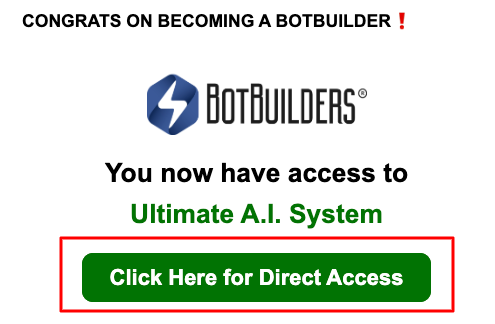
After signing up, you’ll receive an email entitled “You’re a BotBuilder!”.

Inside that email, you’ll find a button that takes you directly to the membership portal.
The first time you click that button, you’ll be prompted to set your password. Once your password is created, you’ll use it to log in moving forward.
Step 1: Go to the Login Page
Visit the BotBuilders membership login page here:
? https://https://portal.botbuilders.com/login
Step 2: Enter Your Login Details
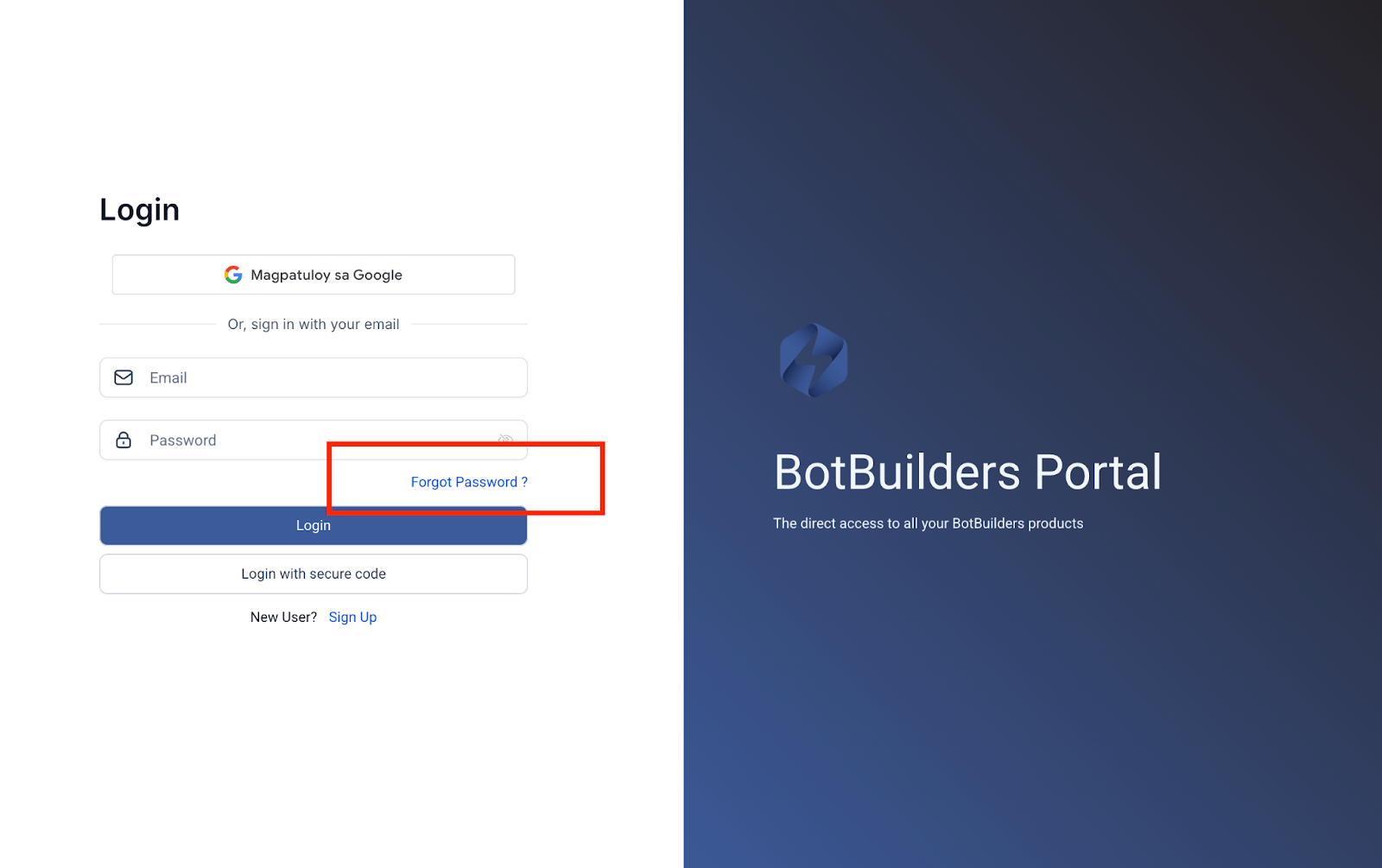
Use the email address you signed up with.
Enter the password you created.
Step 3: Access Your Programs
Once logged in, you’ll see all the programs and trainings included with your purchase. Simply click on the course or resource you’d like to start using.
Forgot Your Password?
No worries! You can reset it anytime. Just follow the instructions below.
On https://portal.botbuilders.com/login, click “Forgot Password?”
Enter your registered email address.
Check your inbox for a password reset link and follow the instructions.
Need Help?
If you have trouble accessing your account, just reach out to our support team at support@botbuilders.com. We’ll be happy to help you get logged in.
Was this article helpful?
That’s Great!
Thank you for your feedback
Sorry! We couldn't be helpful
Thank you for your feedback
Feedback sent
We appreciate your effort and will try to fix the article