If you’ve ever wished you could create high-quality marketing content without spending hours learning complicated tools, you’re in the right place.
The AI Marketing Automator is crafted to empower users of all experience levels, whether seasoned marketers or newcomers, to effortlessly produce polished, professional-quality content. Instead of typing long, complex commands, you can simply click through clear options and watch your ideas turn into finished work in minutes.
What Is the AI Marketing Automator?
The AI Marketing Automator, is part of the Ultimate AI System.
It’s designed to help you quickly create things like:
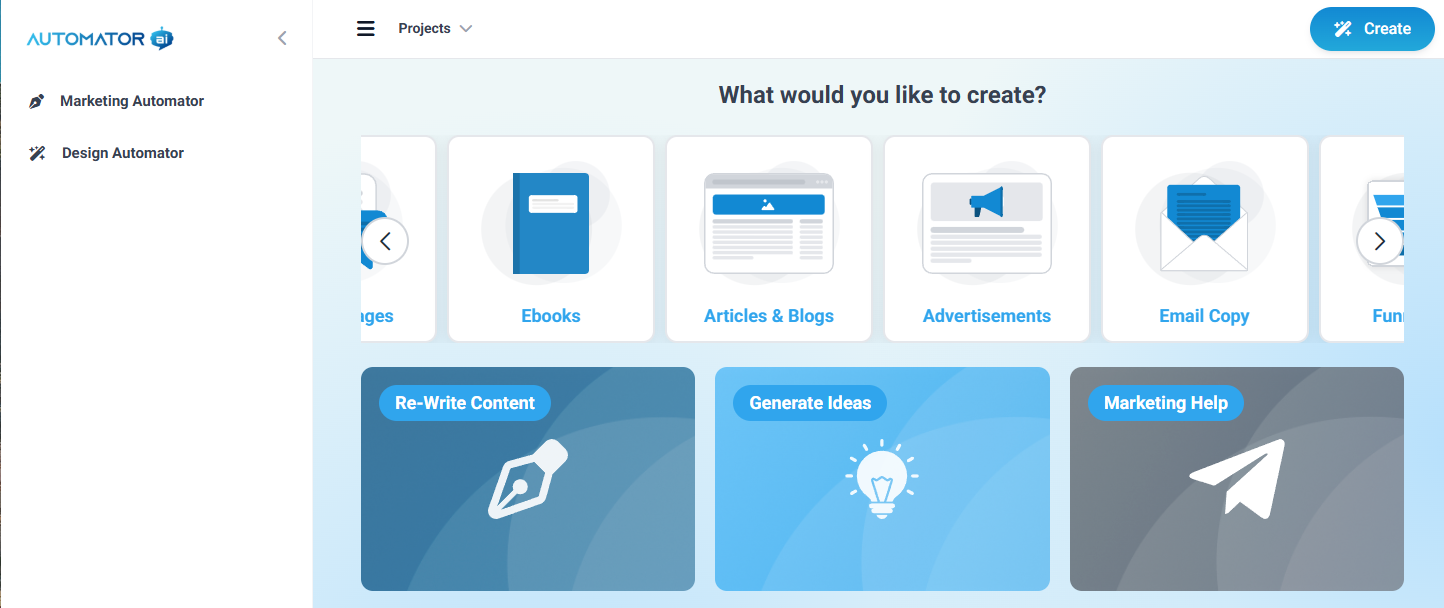
Blog posts and articles
Advertisements
Email sequences and funnel copy
Generate Ebooks
Generate Ideas
Generate Advice and descriptions
Re-Write Content
Matt worked alongside some of the world’s best copywriters to develop tailored prompts that guide the AI to deliver content that’s clear, persuasive, and ready to use. The goal is simple: save you time and make sure your message connects with your audience.
Current Limitations
You cannot directly upload an existing ebook or summarize documents. Instead, the tool guides you through a series of prompts to capture your ideas, which are then used to generate a complete ebook or content. You can review and edit the resulting content as needed.
Getting Started
Visit https://go.automator.ai/.
Your login details were emailed to you with the subject line: (“Your AI Marketing Automator Access").
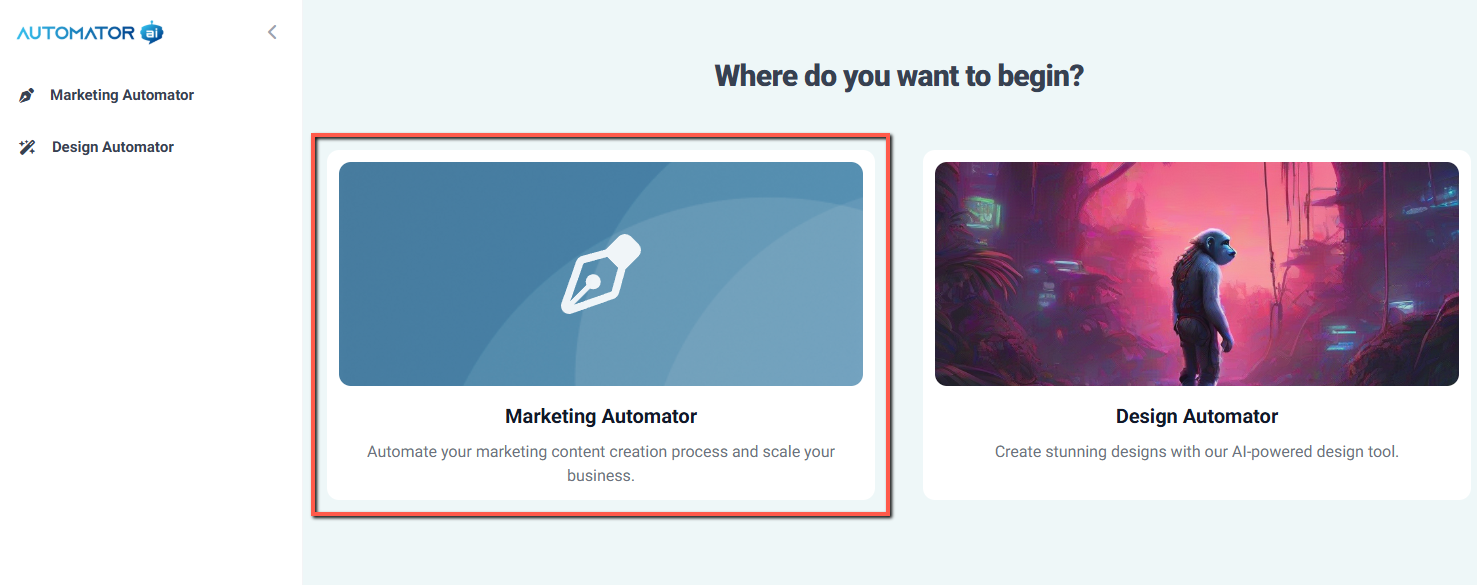
Select Marketing Automator from the dashboard.
Follow the on-screen prompts to begin generating your content or designs.
For Customers Having Trouble Accessing the AI Marketing Automator
If you’re a customer and can’t log in, here’s what to do:
Check your email for a message with your login information.
Subject line: Your AI Marketing Automator Access
If you don’t see it in your inbox, check your Spam or Promotions folder as it may have landed there.
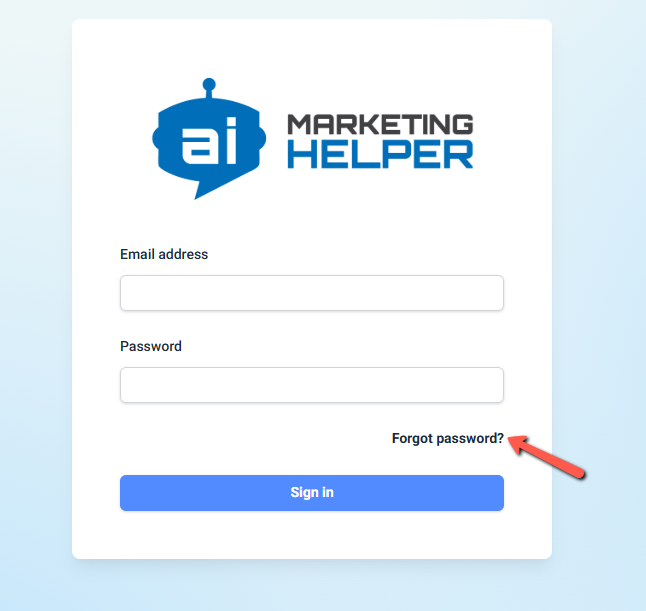
If your login details aren’t working, reset your password:
Go to https://go.automator.ai/login
Click Forgot Password
Enter your email and check your inbox for the reset link
Note: The reset link is only active for 10 minutes, so be sure to open it as soon as it arrives.
If you’re still having trouble, you may send us an email at support@botbuilders.com and we’ll make sure you’re taken care of. We’ve got your back here! ?
Was this article helpful?
That’s Great!
Thank you for your feedback
Sorry! We couldn't be helpful
Thank you for your feedback
Feedback sent
We appreciate your effort and will try to fix the article